Your memories, your rules.
A privacy-focused, self-hosted photo and video gallery with granular access control
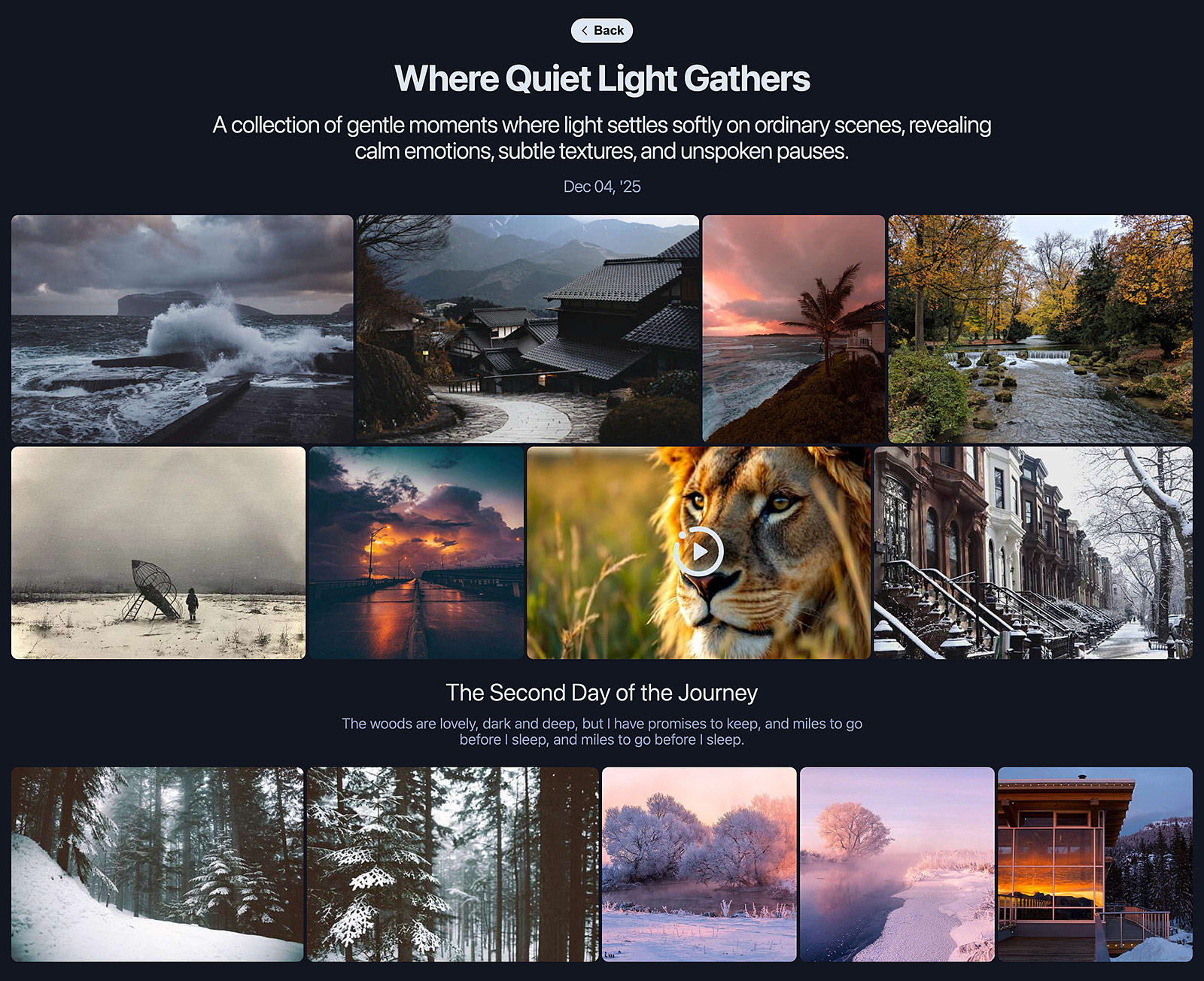
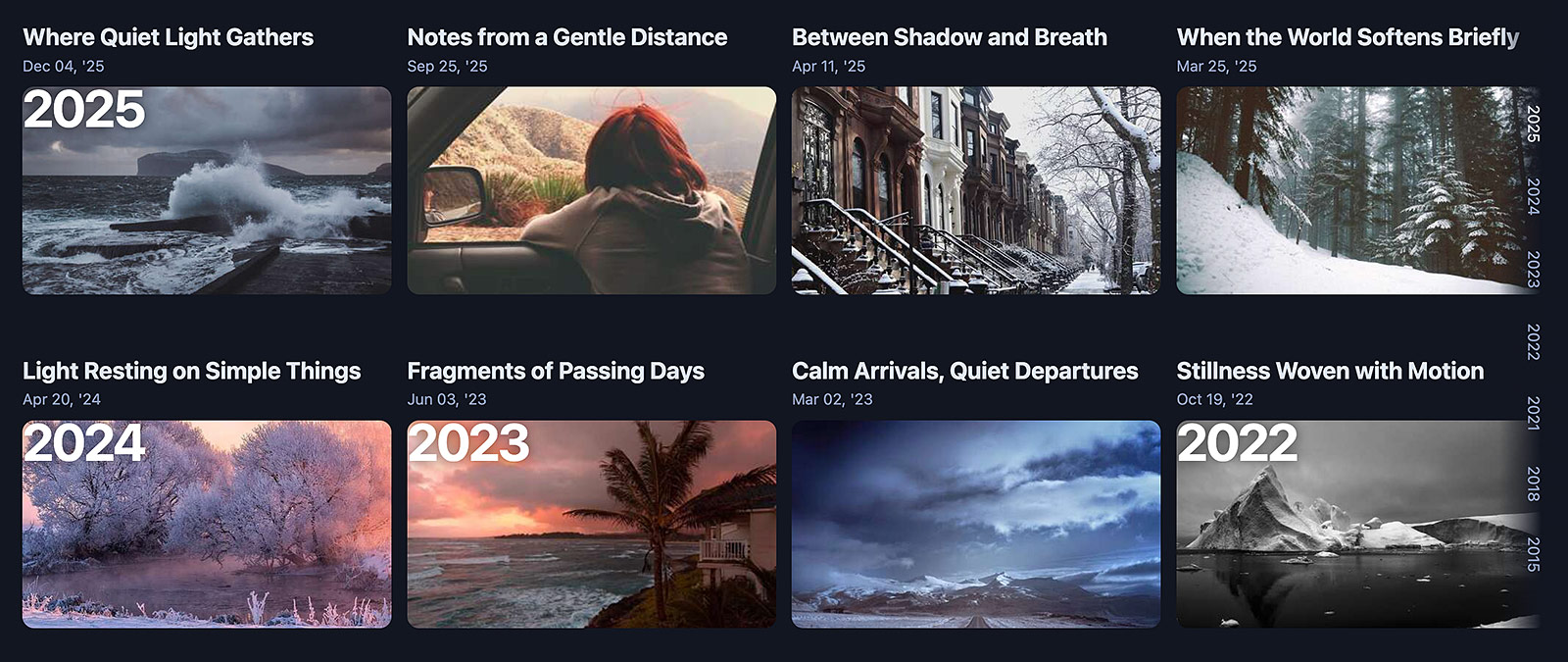
Responsive interface featuring dark/light modes and a timeline view for efficient navigation through extensive content.
The gallery displays only public albums or those accessible to the authenticated user.
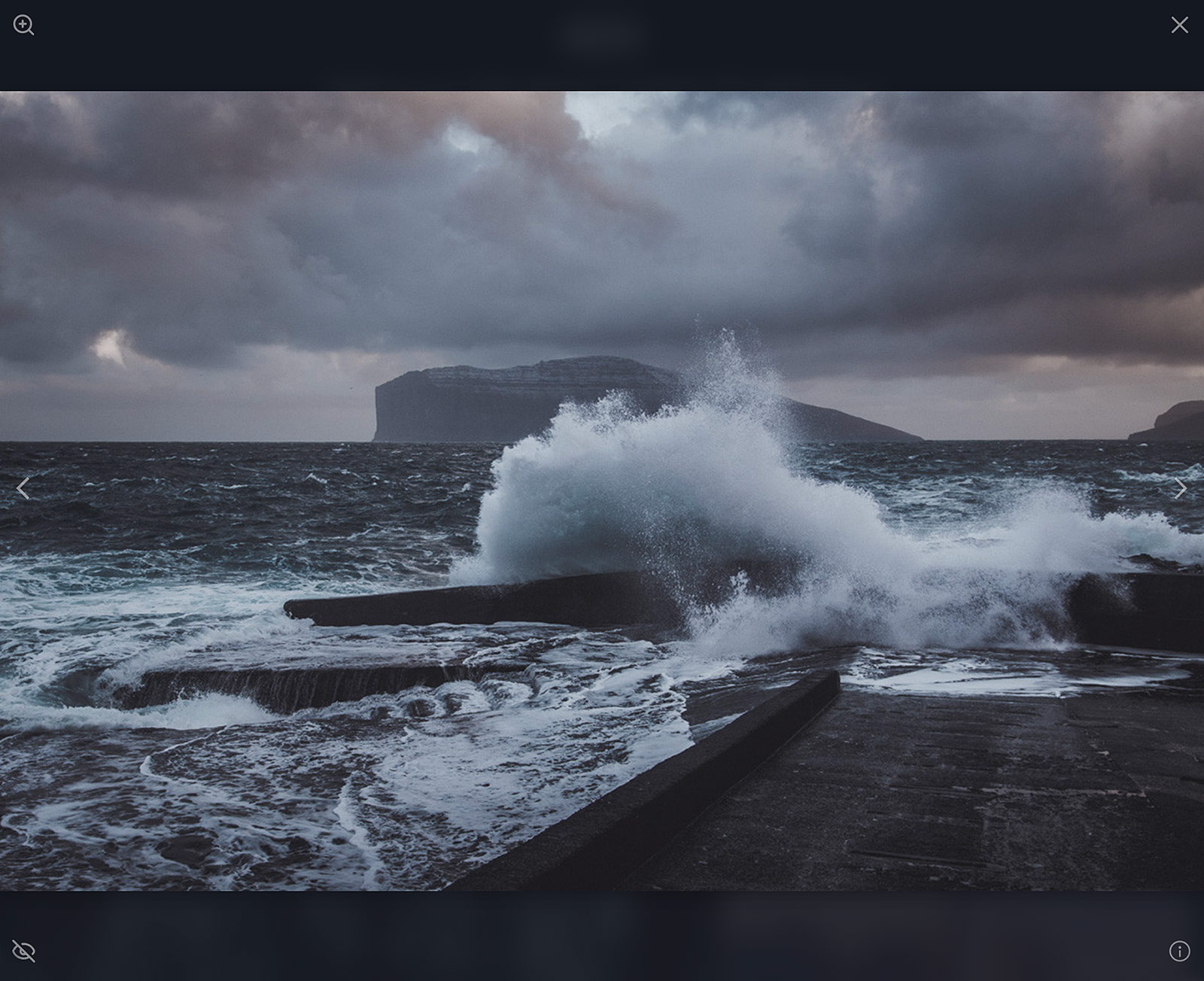
Refracta transforms your collections into stunning visual narratives. Albums are rendered via the Lumosaic layout engine, organizing media into a seamless, adaptive grid optimized for all devices. The Obsidium overlay provides a silky-smooth, distraction-free lightbox experience, allowing your audience to focus entirely on the moment.
Within a single album, you can divide a series of photos into several logical sections (e.g., for different days of a single trip) using subheadings and/or text blocks.
Support for video content is integrated, with display behavior consistent with static imagery.
More details about access rights, user groups and administrative interface below.
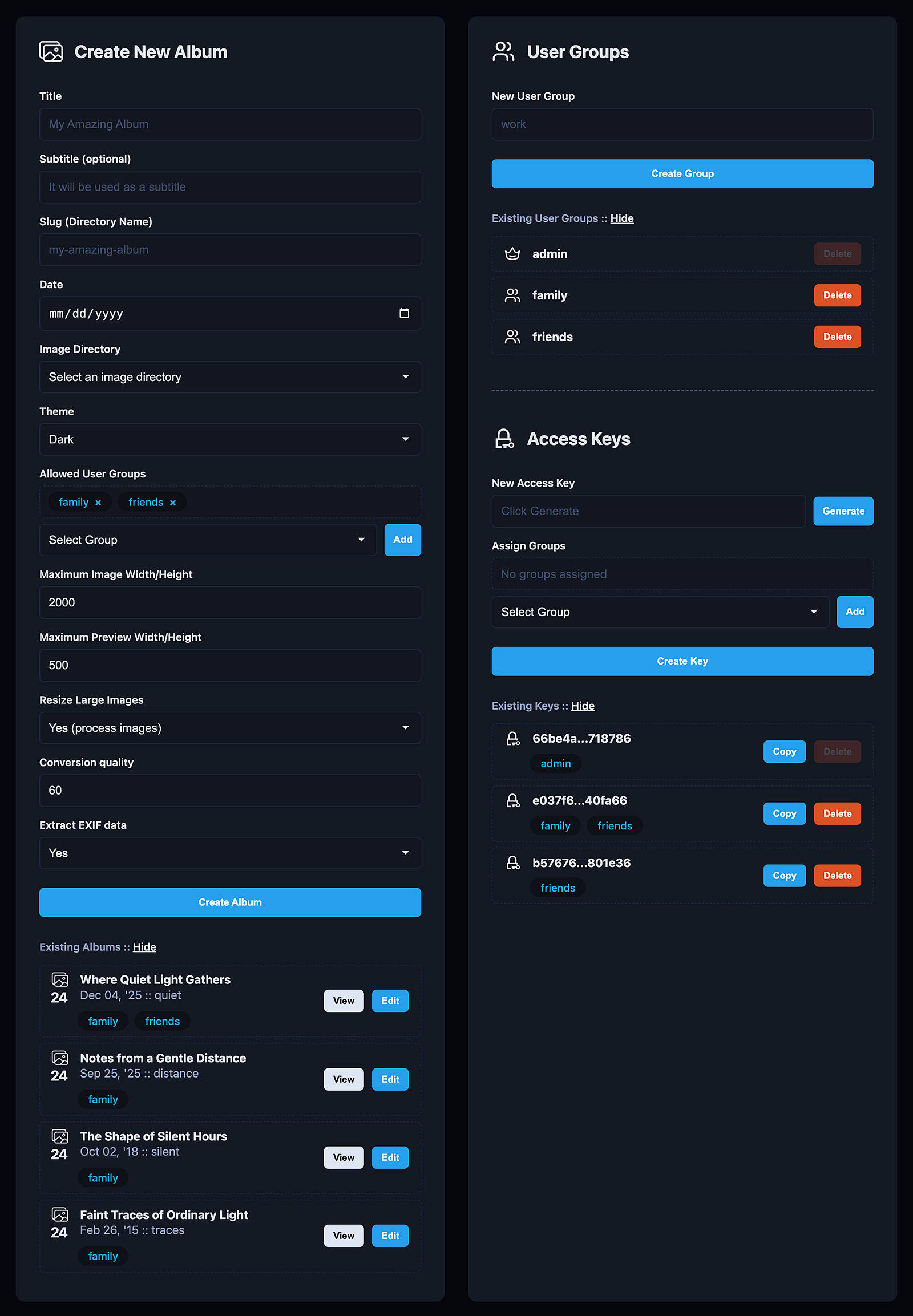
Album creation interface utilizing media from a specified directory. Configuration parameters are auto-populated.
Note the Resize Large Images option. Enabled: scales media to maximum dimensions. Disabled: retains original source files (recommended for pre-optimized media).
After an album is created, it will be available in the gallery.
After an album is created, it will be available in the album list, where you can view or edit the created album.
Users are organized into groups, each with distinct album access permissions.
Album access is managed via 32-character authentication keys.
Copy the access link, which includes the access key, and send it to the user.
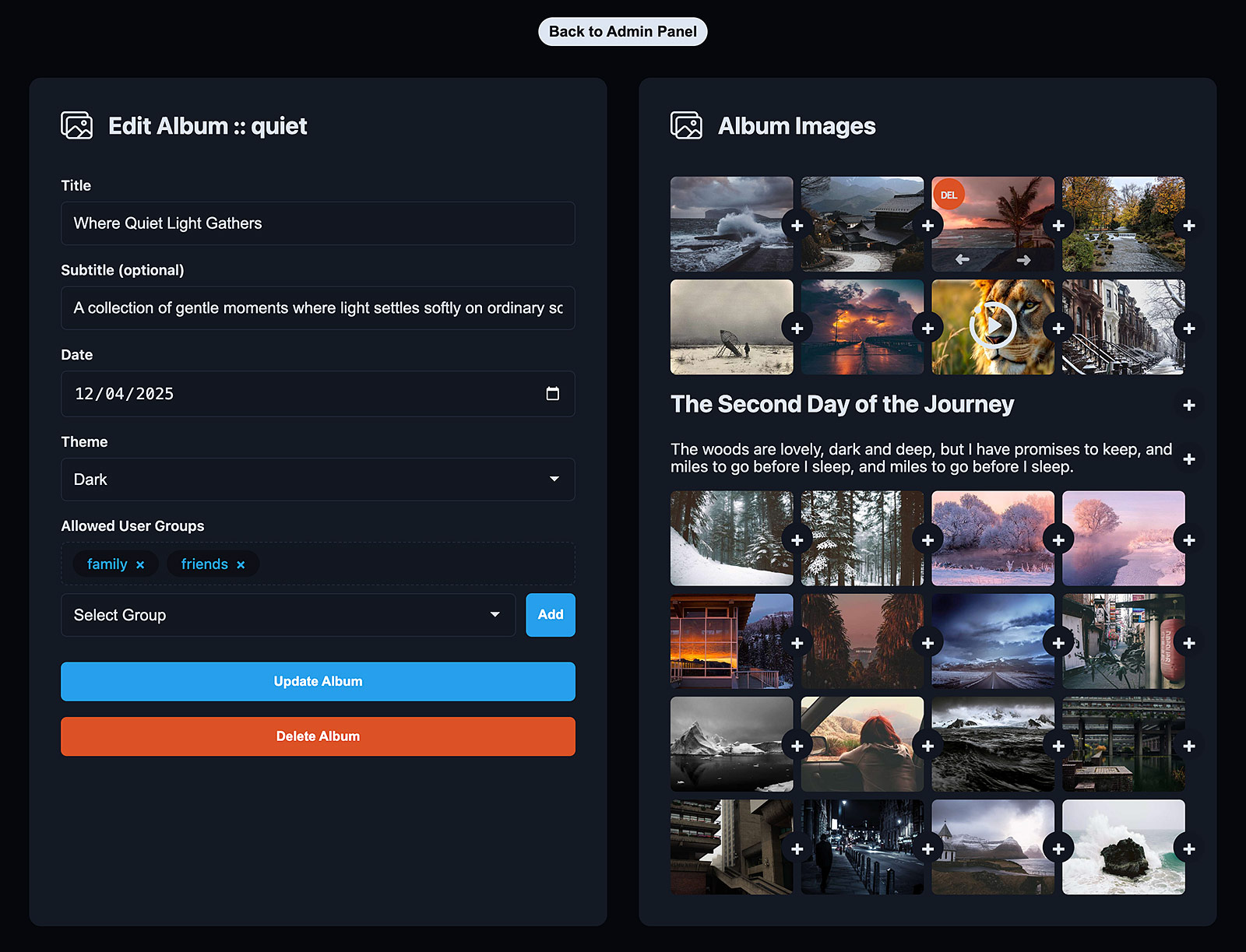
Album configuration interface for modifying metadata (title, description, date), themes, and access permissions.
Also you can fully delete the album.
Media management interface for reordering or removing content. Supports metadata injection (titles, dividers).
Download the latest release from the releases page and deploy the files to the target directory.
Next, navigate to the administrative panel:
https://your-site.com/target_directory/admin.php
This action will generate a base configuration file, create three user groups (admin, family, and friends), establish an access key for the admin group, and display a link to the administrative panel in case access is lost.
Please save this link in a secure location.
Next, add your photos and videos to the _refracta_files/sources/directory_name directory.
That's it!
Your gallery is ready and you can add albums from the administrative panel.
Refracta employs 32-character keys for scoped access control. The local backend database is secured against direct frontend access.
Each album's data is stored within a subdirectory identified by a unique 32-character name. This structure prevents unauthorized discovery. Invalid access attempts result in a 404 Not Found error.
Security isn't an afterthought—it's the foundation. Every file uploaded is automatically processed and renamed with a cryptographically secure random string. This obfuscation effectively neutralizes directory enumeration attacks, ensuring that your source filenames are never exposed and your raw assets remain hidden from prying eyes and web scrapers.
Share with absolute confidence using Refracta's granular permission system. Forget about managing individual user accounts; simply assign albums to specific User Groups (like "Family", "Clients", or "Friends") and share a single unique access link. This key unlocks only the content authorized for that specific group, giving you powerful access control without the friction of a login screen.
Configuration options are stored in the config.php file. You can edit it to change default behavior of the gallery.
Available options:
GALLERY_ACCESS
THEMES
GALLERY_THEME
ADMIN_THEME
EXTRACT_EXIF
IMAGE_MAX_WH
PREVIEW_MAX_WH
CONVERSION_QUALITY
FFMPEG_PATH
FFPROBE_PATH
DATE_FORMAT
All actual endpoints are disabled for security reasons, but you still can see how it works.
View Gallery as a guest (4 albums).
View Gallery as a friends group user (7 albums).
View Gallery as a admin user (12 albums).
View Admin Panel as a admin user.